Browsers on Omega · Scoped by Keystone
Cloud browsers for agents and teams
Launch isolated Chromium sessions in seconds. Drive them from a console, a typed SDK, or agent-native MCP tools — with credentials that expire before they can leak.
The console
Watch a session come to life
Five scenes from the real product — no mockups, no renders. Scroll.
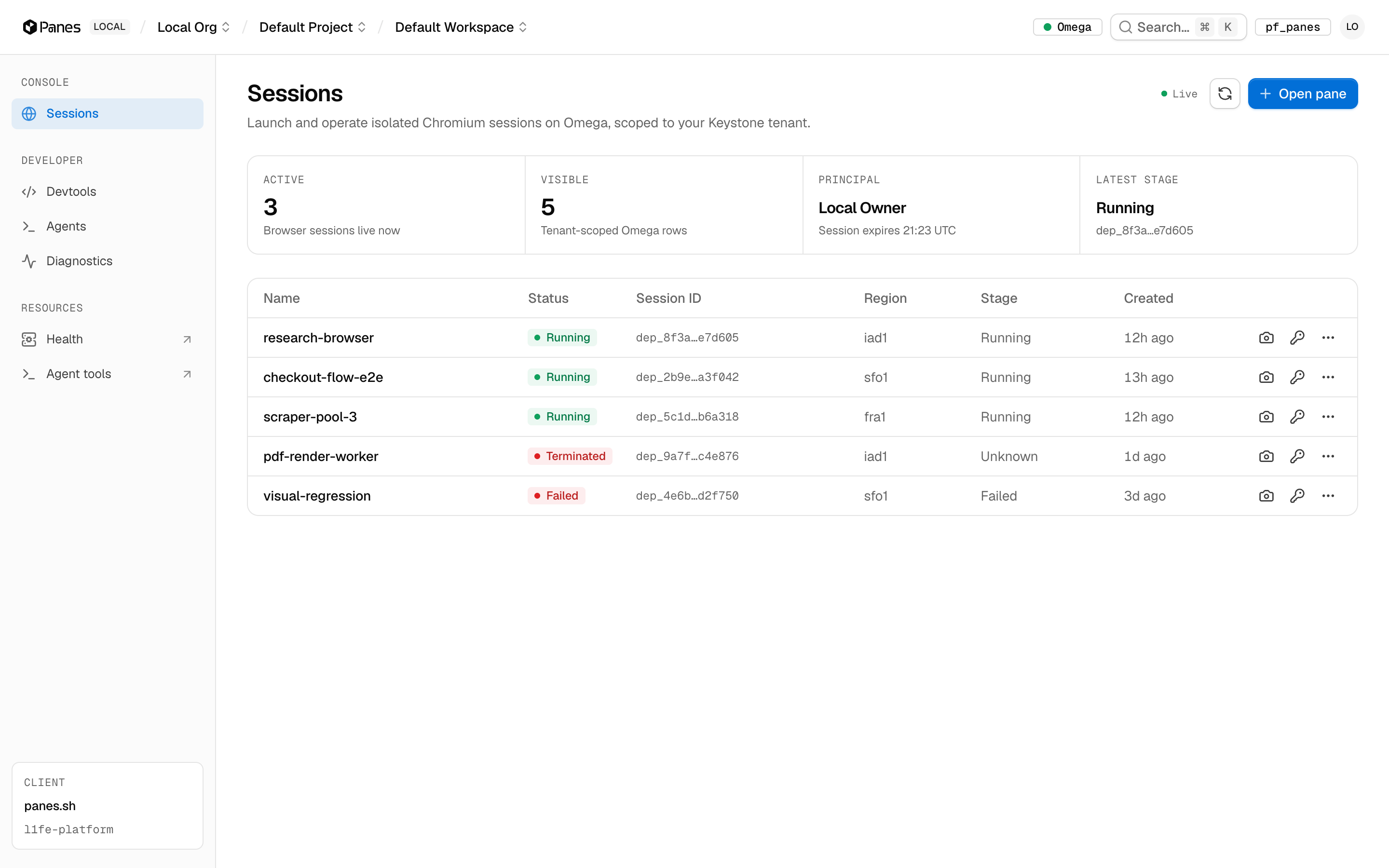
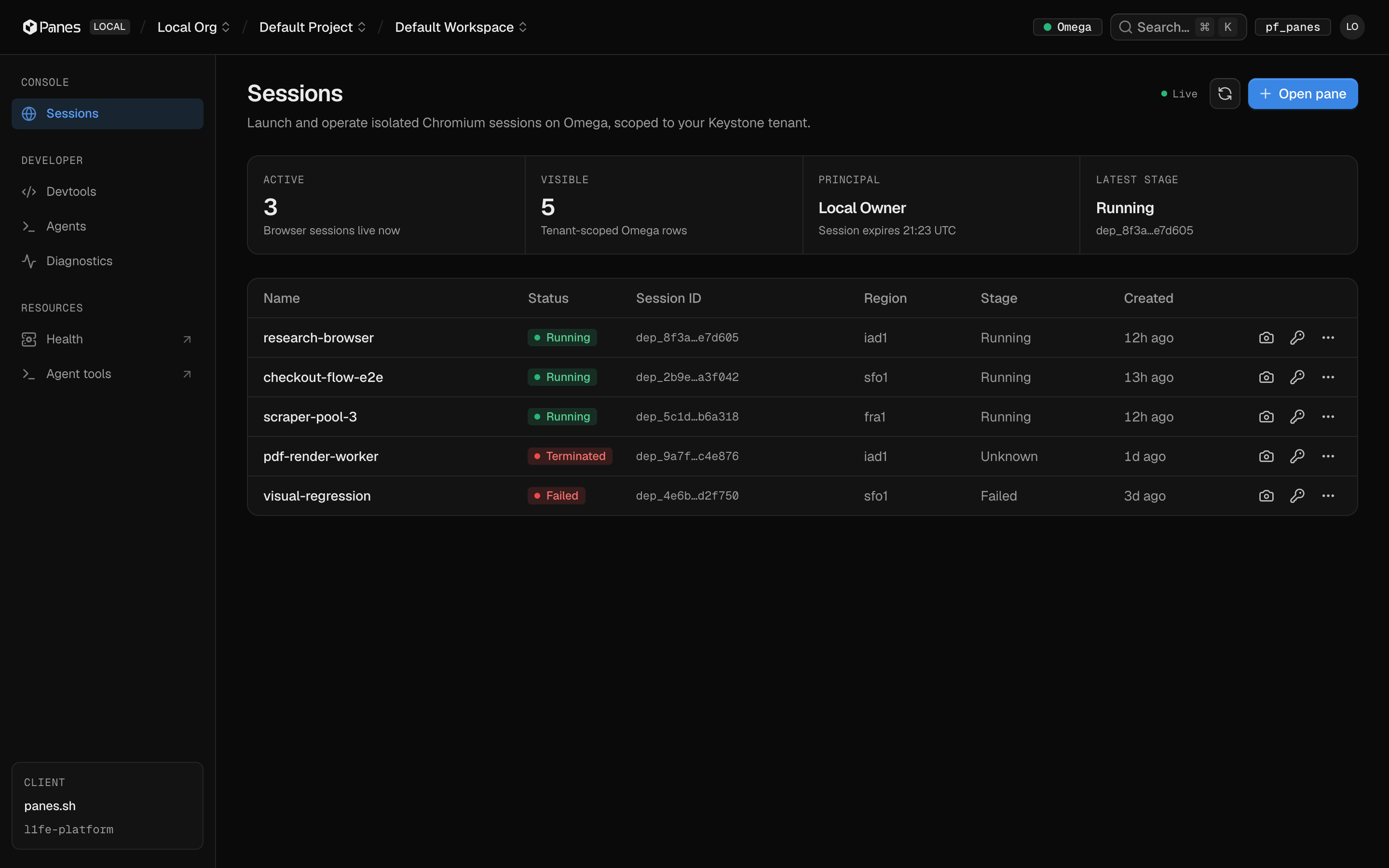
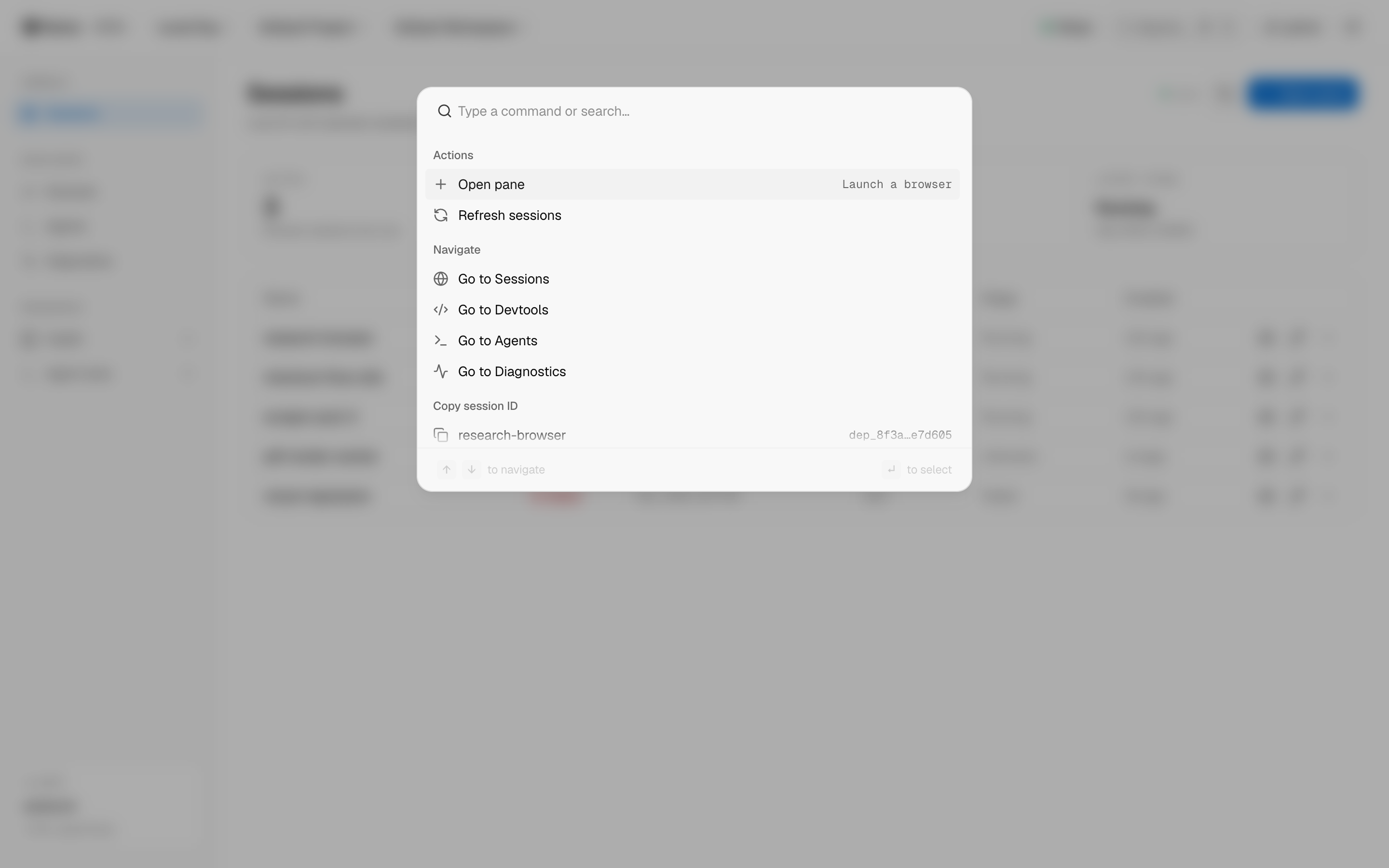
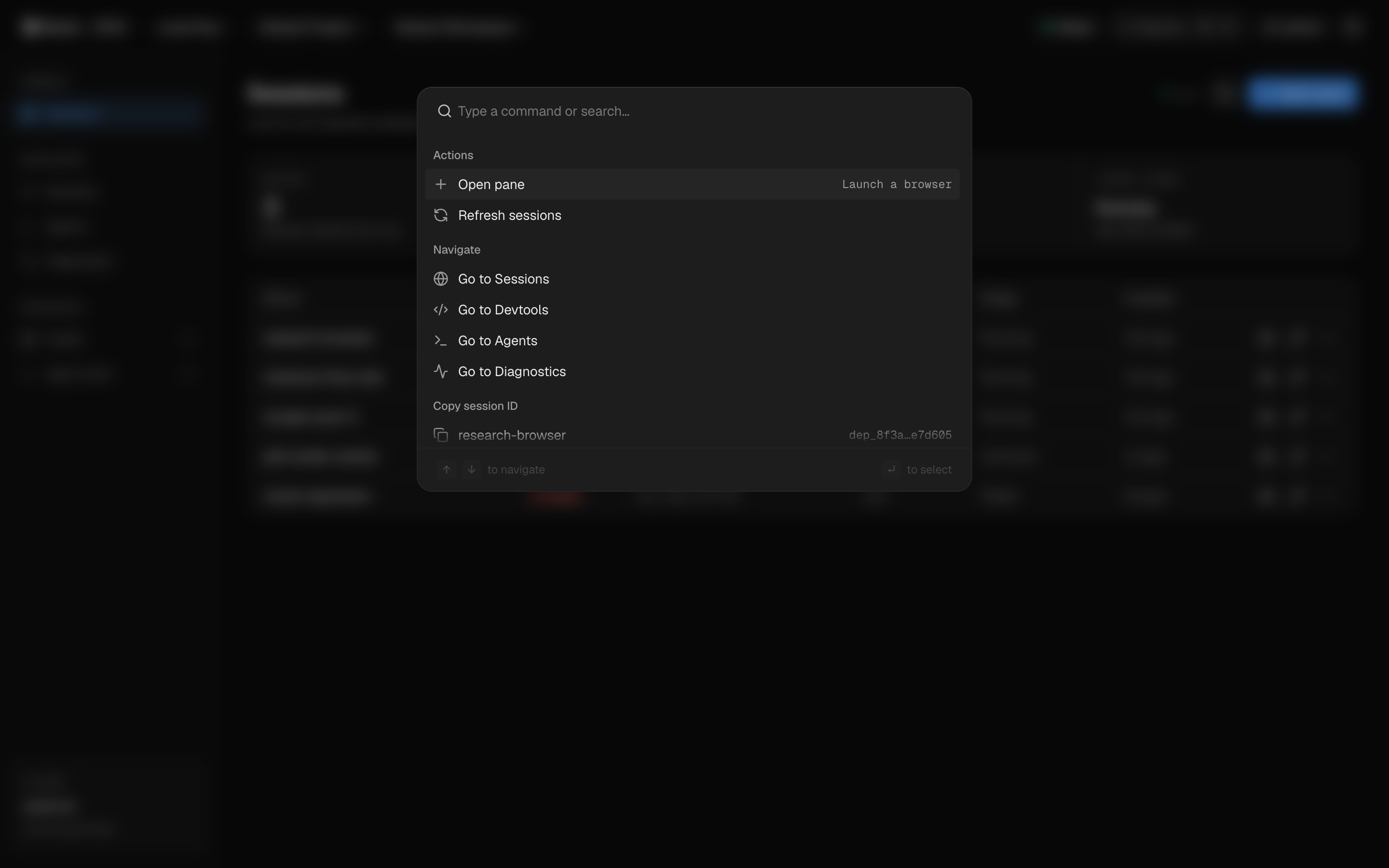
01 — Sessions
Every browser, one table
Live sessions across regions with status, stage, and session IDs — polling keeps the table honest without a refresh.
For developers
Three ways in, one browser out
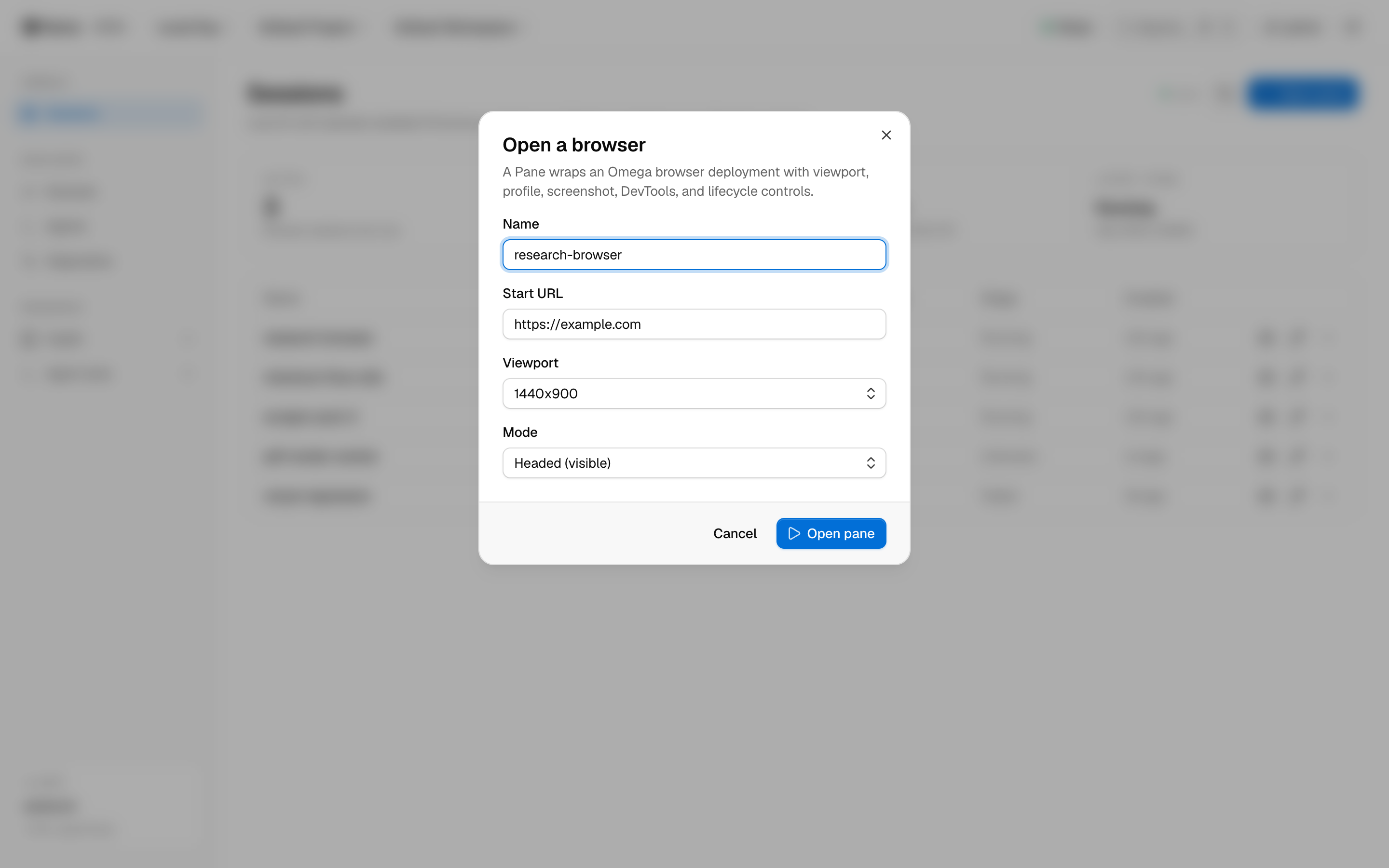
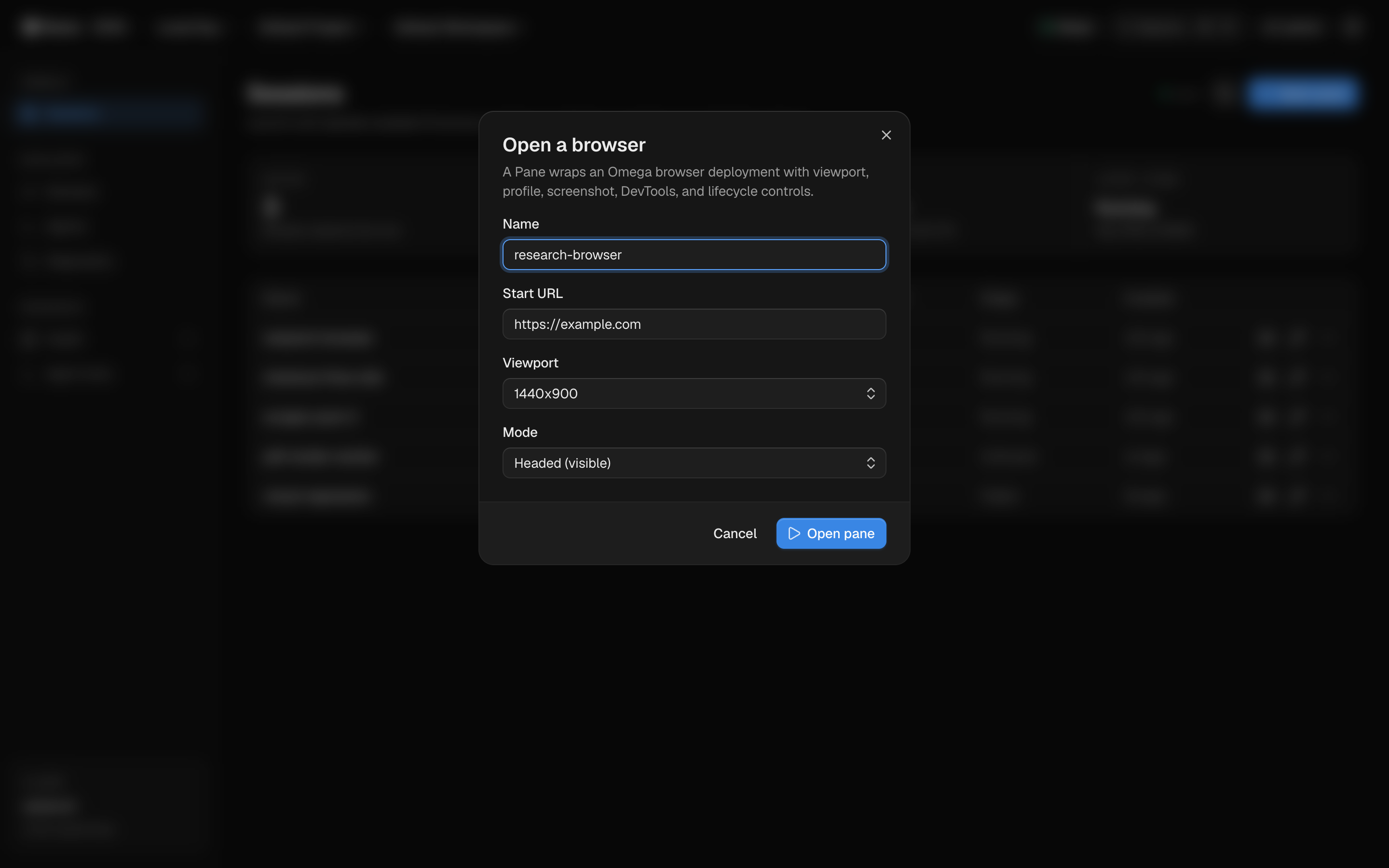
One facade over Omega's browser workload: a typed TypeScript SDK, a clean REST API, and an MCP server. Same permissions, same sessions, three surfaces.
PanesClient
list, create, action, term, invoke — fully typed, zero dependencies.
Bearer-token REST
Every console action is an endpoint. If the UI can do it, curl can.
Permission-gated MCP
Agent tools route through /api/agent/invoke — gated by panes.agent.invoke.
import PanesClient from "@l1fe/panes";

const panes = new PanesClient({
  token: process.env.PANES_API_TOKEN,
});

// Launch an isolated Chromium session
const pane = await panes.create({
  name: "research-browser",
  url: "https://example.com",
  viewport: "1440x900",
});

// Run lifecycle actions against it
await panes.action(pane.id, "screenshot");
await panes.action(pane.id, "resize", { viewport: "1920x1080" });

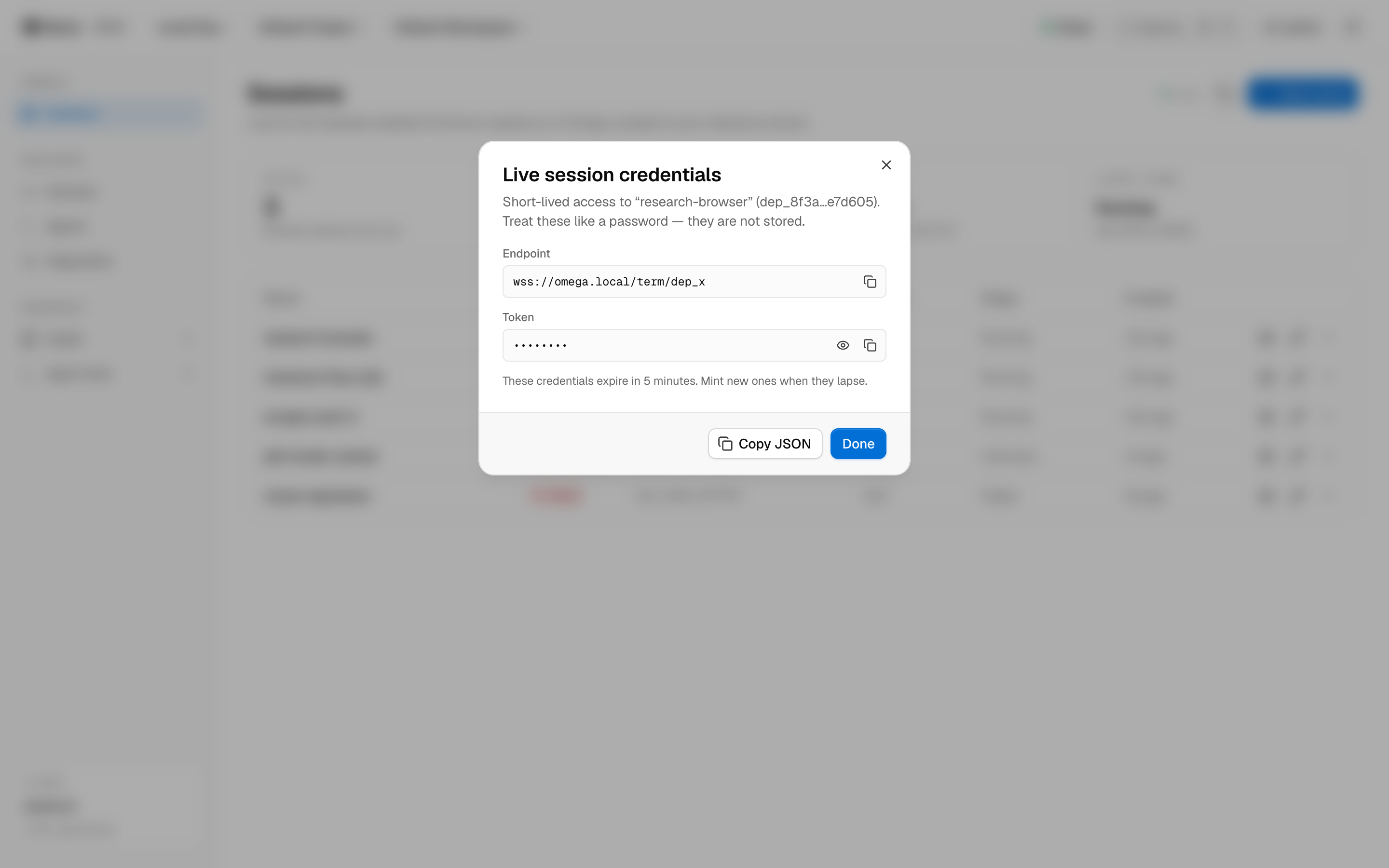
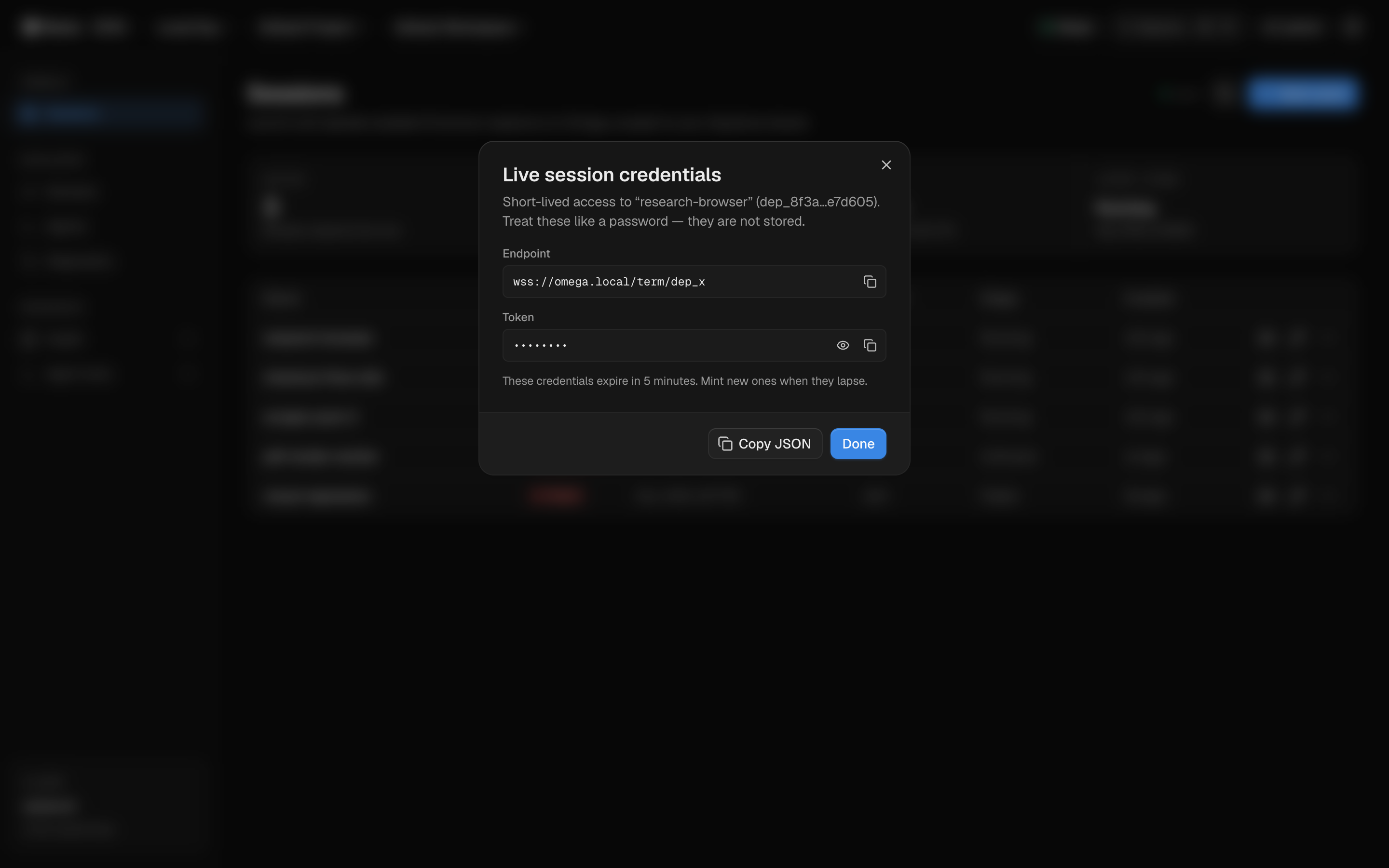
// Mint short-lived live-session credentials
const term = await panes.term(pane.id);
Agent-native
Built for the loop, not the demo
Panes treats agents as principals, not scripts. Every tool call is checked against your tenant's permissions — the same model humans use in the console.
stopHalt a session immediately
restartCycle the browser process
snapshotPersist current session state
resizeChange the live viewport
clear_profileWipe cookies and storage
screenshotCapture the current frame
logsStream console and network output
devtoolsOpen a DevTools surface
Eight lifecycle capabilities, exposed identically to the console, SDK, REST API, and MCP tools.
Infrastructure
Three regions, per-session placement
Sessions place onto Omega compute close to your targets. Pick a region per session — latency is a launch parameter, not a support ticket.
iad1Washington, D.C.US Eastsfo1San FranciscoUS Westfra1FrankfurtEuropeThe landscape
See how Panes compares
Browser infrastructure is a crowded space. We wrote honest comparisons — including when you should pick the other tool.
Pricing
Start free, pay by the second
A real free tier, per-second billing on Pro, and enterprise tenancy when you need it.
Free
$0forever
For trying Panes and small automations.
Pro
$20per month + usage
For teams running agents in production.
Enterprise
Customannual agreement
For orgs with tenancy, audit, and scale needs.
Get started
Your agents need a browser. Give them a fleet.
Open the console and launch your first isolated Chromium session — or talk to us about tenancy, regions, and enterprise placement.