Features
Everything a browser fleet needs, nothing it doesn't
Real screenshots from the live console. Every feature below ships today — in the UI, the SDK, the REST API, and the MCP tools.
Sessions
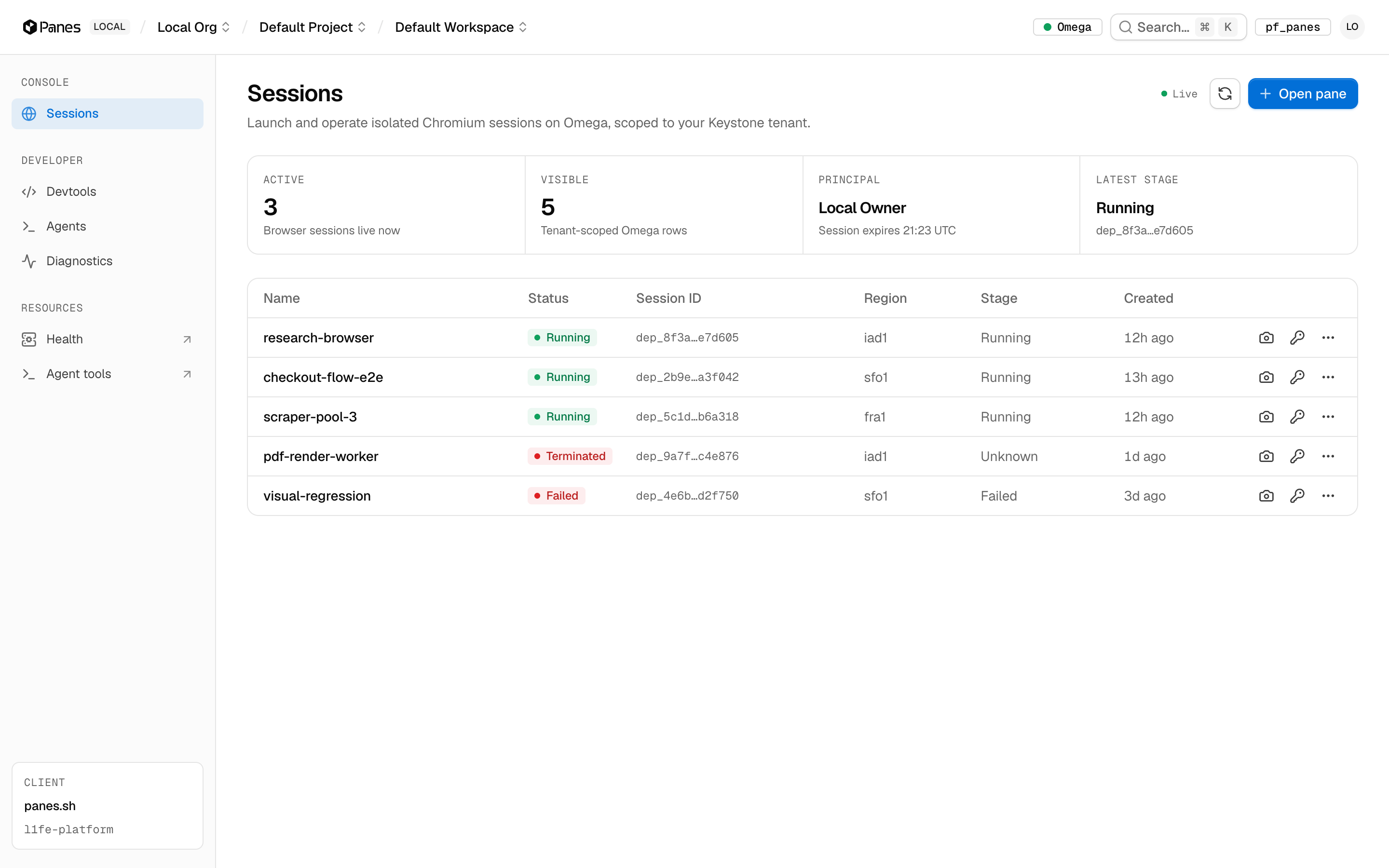
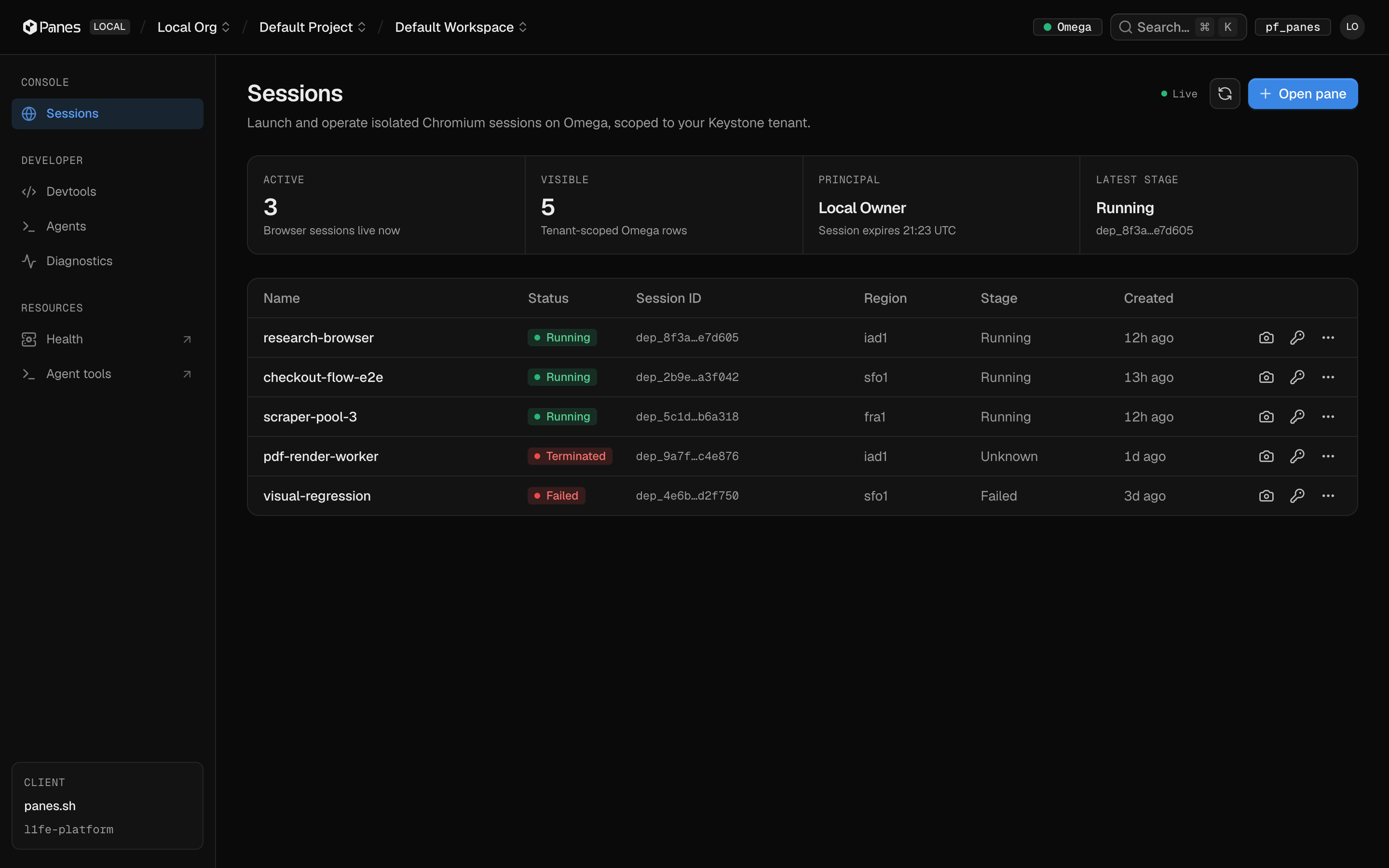
A live table of every browser you own
The sessions table is the heart of the console: name, status, session ID, region, stage, and age for every Pane in your tenant. It polls Omega continuously, so stage transitions — queued, placed, running, failed — land without a refresh.
Tenant-scoped rows — you only ever see your own sessions
Status and stage tracked separately, the way Omega reports them
Per-row quick actions: screenshot, mint credentials, lifecycle menu
Launch
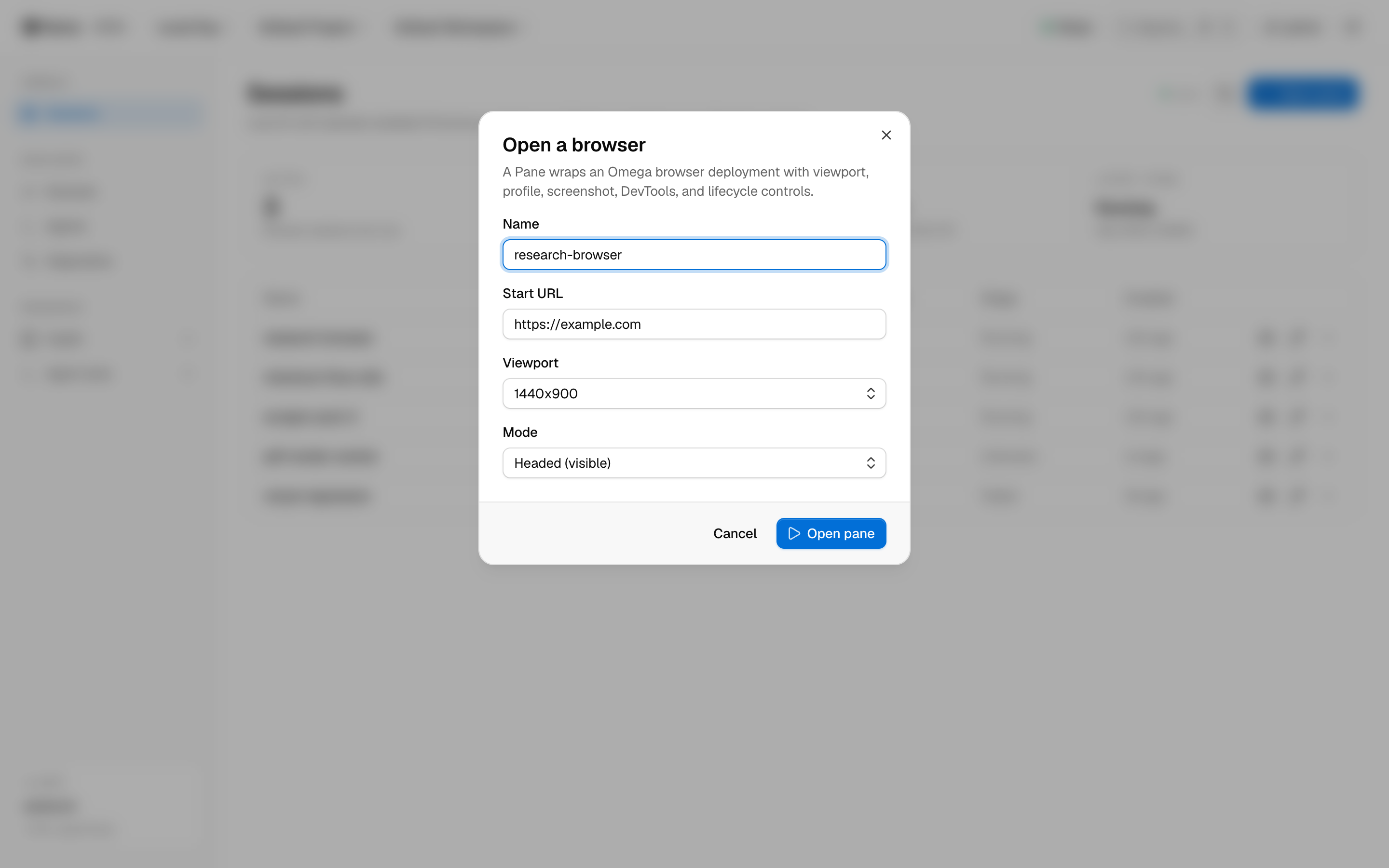
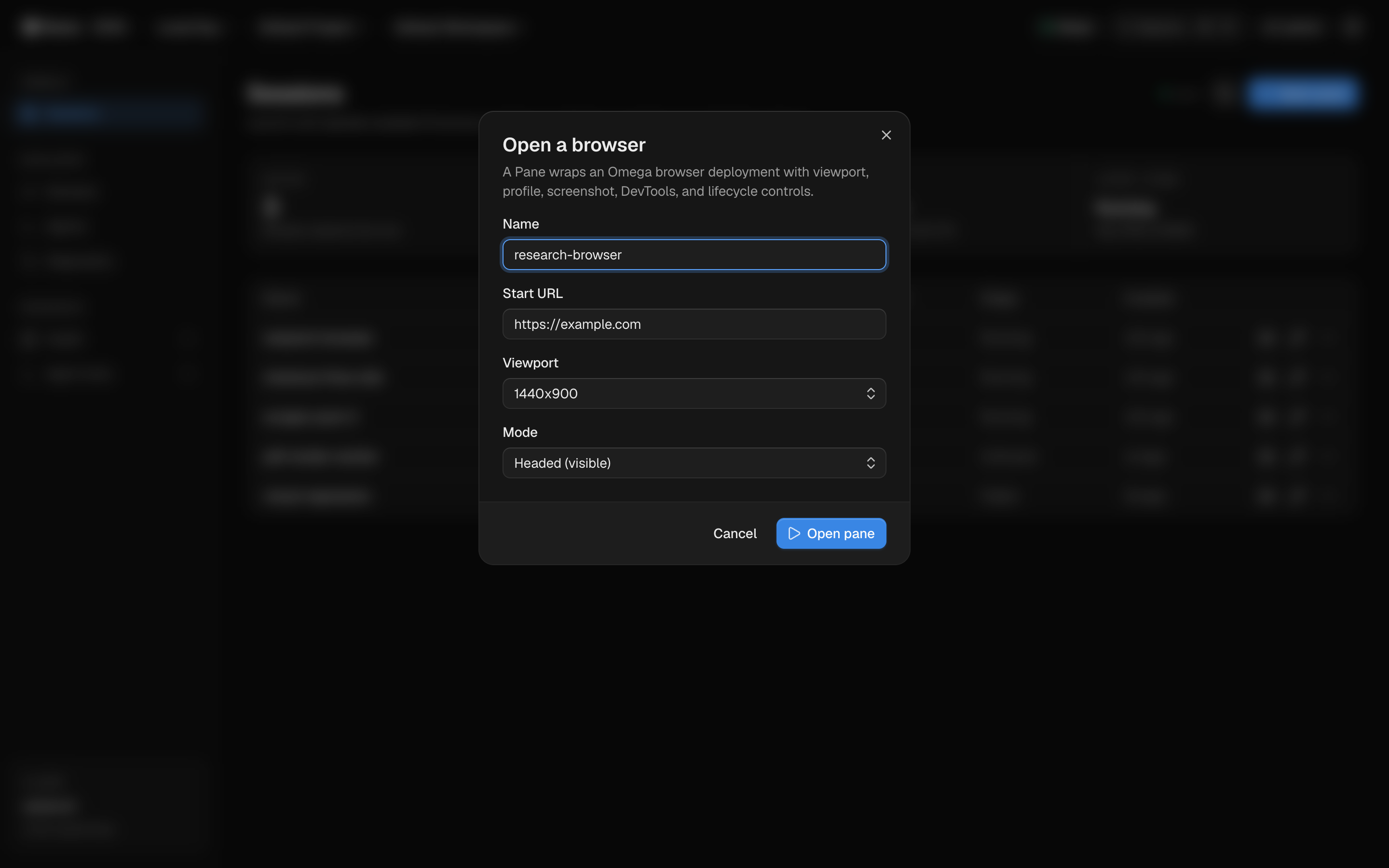
From zero to Chromium in one dialog
Name the session, give it a start URL, pick a viewport and mode. A Pane wraps an Omega browser deployment with viewport, profile, screenshot, DevTools, and lifecycle controls — the dialog is just the friendly face of POST /api/panes.
Viewport presets: 1280×800, 1440×900, 1920×1080
Headed for watching, headless for speed
Same parameters across console, SDK, REST, and MCP
Command menu
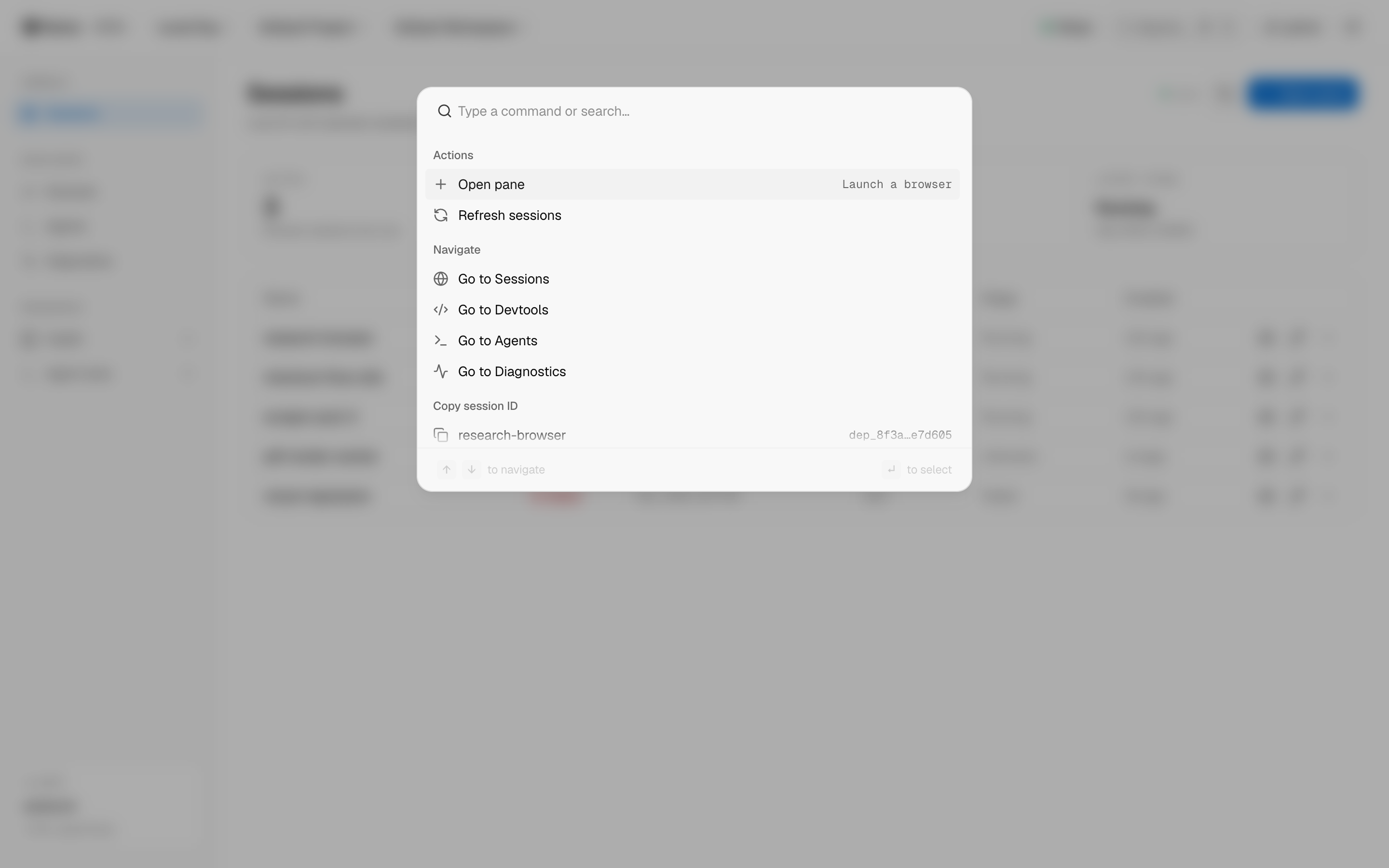
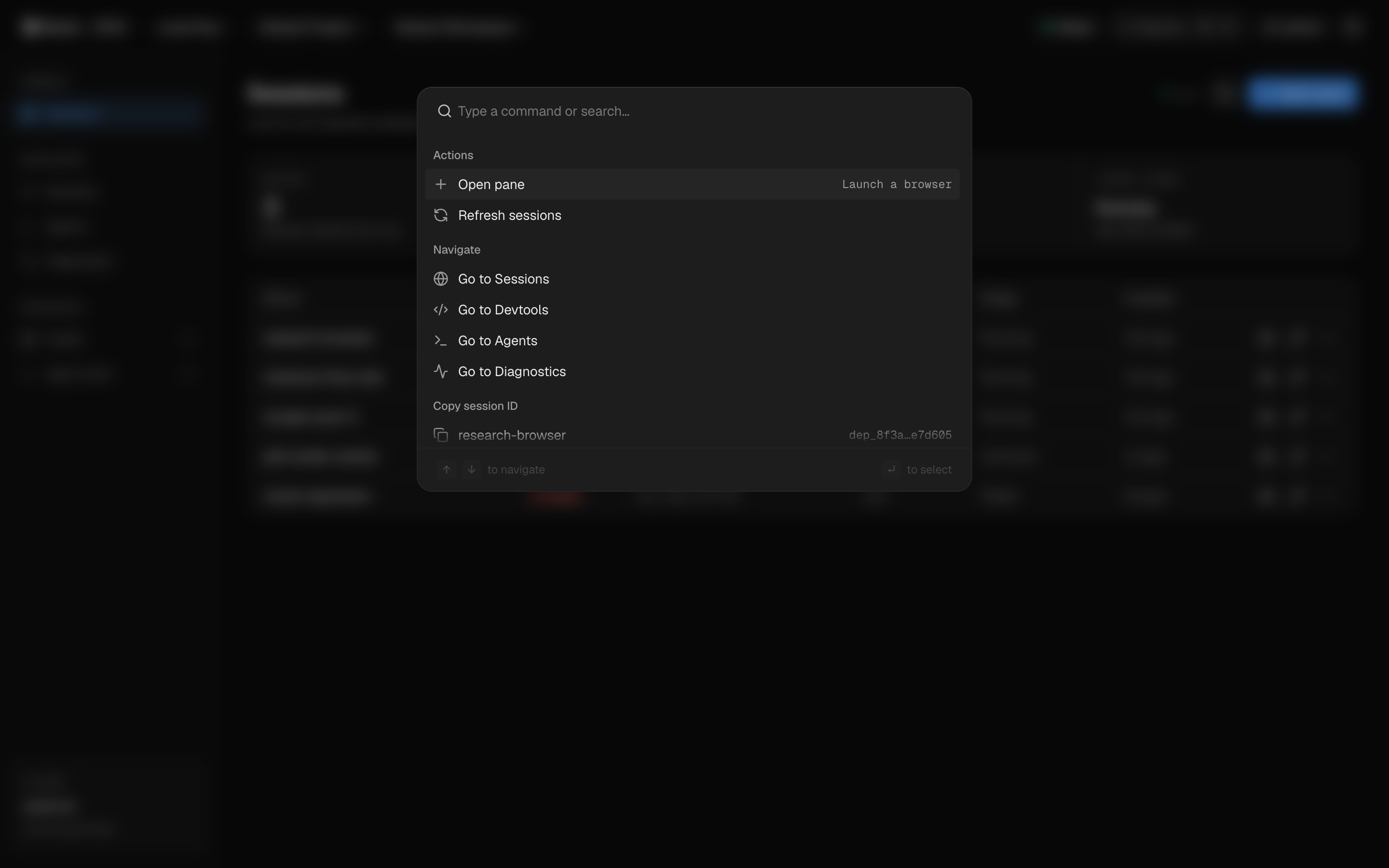
The whole console under ⌘K
Launch a browser, jump between Sessions, Devtools, Agents, and Diagnostics, refresh the table, or copy a session ID — without leaving the keyboard. The palette is overlay-aware: live polling holds while it's open.
Fuzzy search across actions and navigation
Session IDs one keystroke away
Full keyboard contract: arrows, enter, escape
Credentials
Live access that expires by design
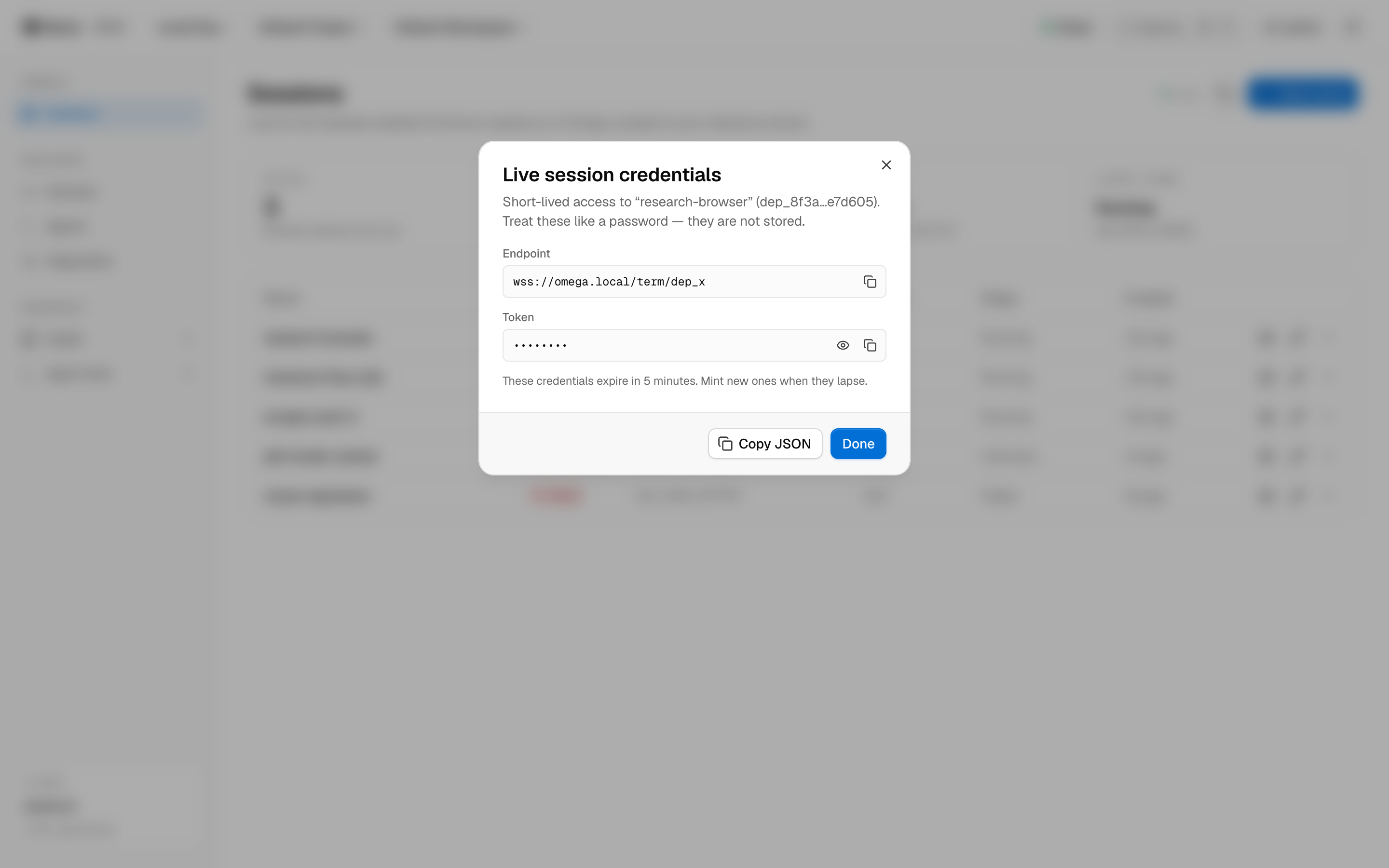
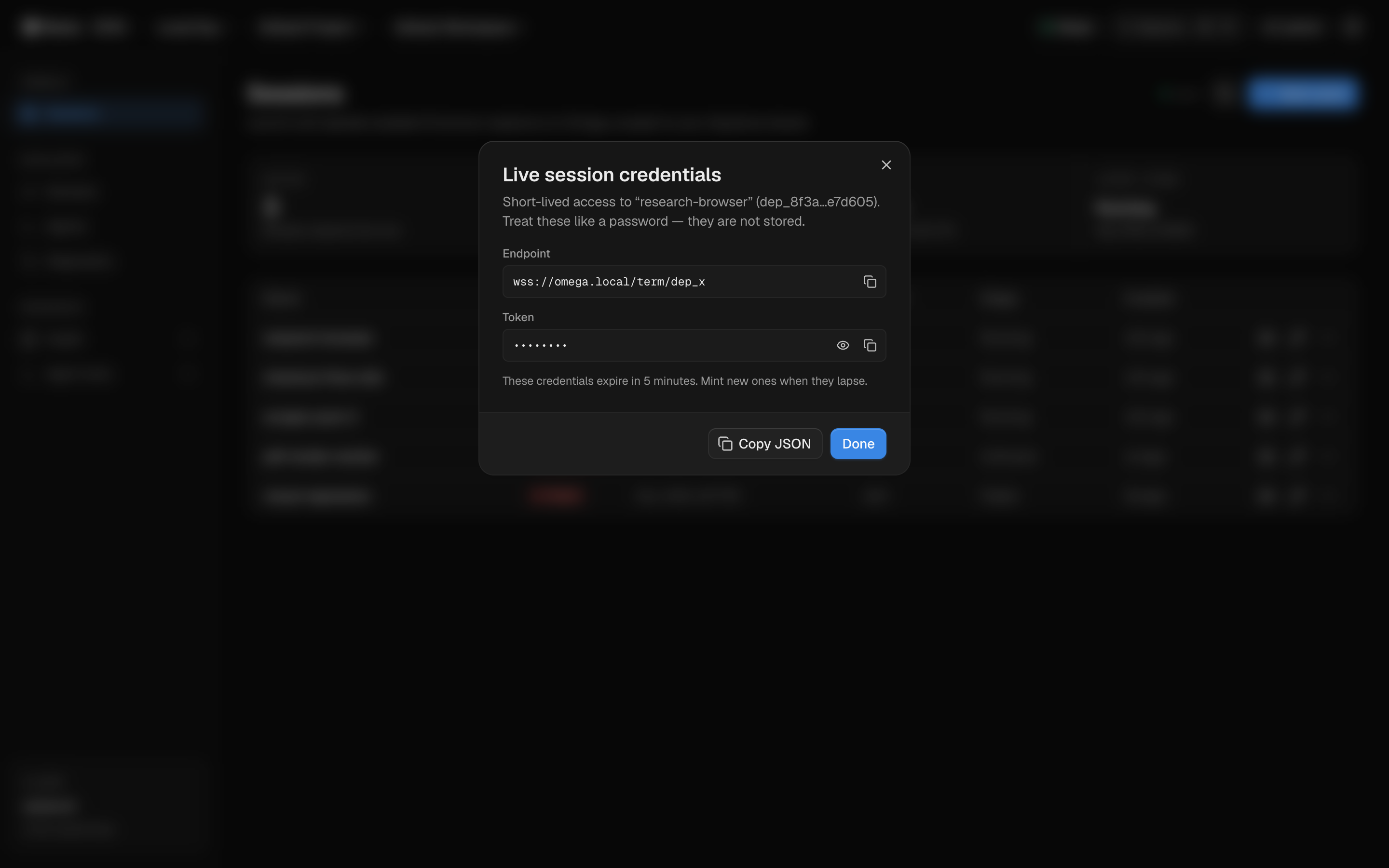
Need to drive a session over WebSocket? Mint term credentials: an endpoint plus a token, masked by default, expiring in minutes. They're never stored — treat them like a password, because the console does.
Masked reveal with explicit show/hide
Copy individually or as JSON for tooling
Re-mint on demand when credentials lapse
DevTools
The API surface, documented in-product
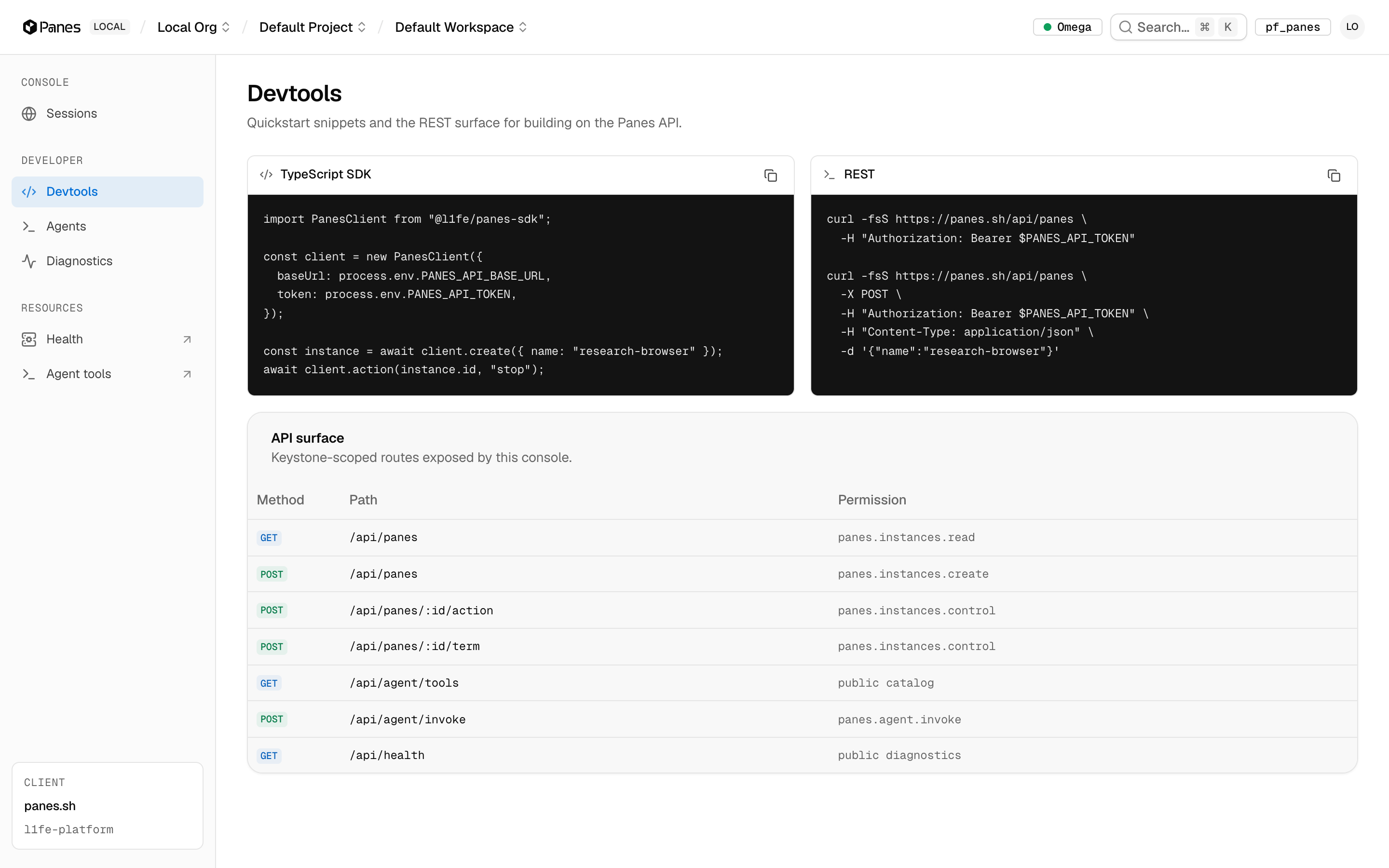
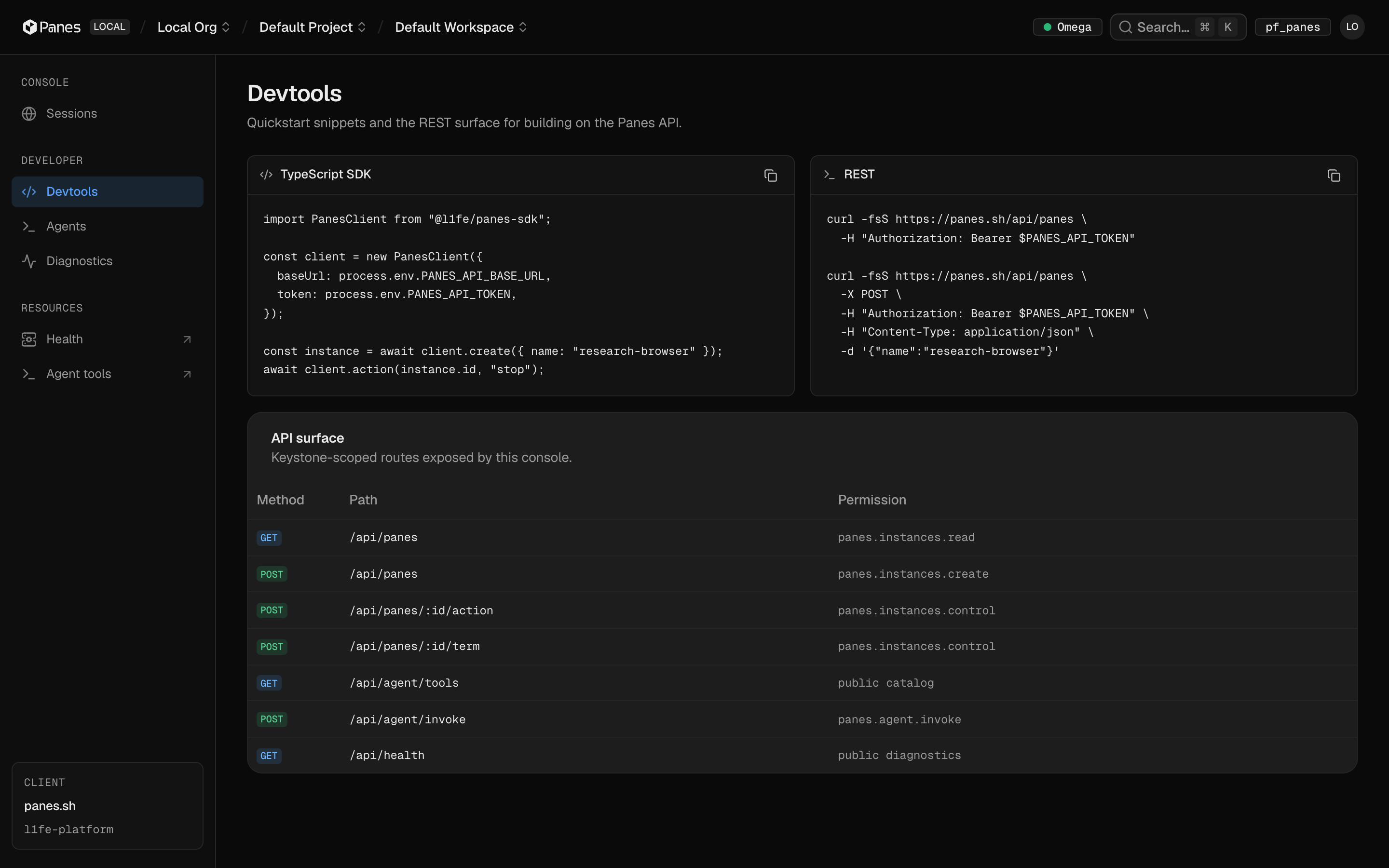
The Devtools panel maps every route the product exposes — methods, paths, and what they do — next to agent tool definitions. It's the API reference that can't drift, because it's generated from the same registry the server uses.
REST routes with method badges
Agent tool registry with input schemas
Health and diagnostics endpoints included
Lifecycle
Eight capabilities per session
Each capability is a single API call — identical from console buttons, SDK methods, REST, and MCP tools.
stopHalt a session immediately
restartCycle the browser process
snapshotPersist current session state
resizeChange the live viewport
clear_profileWipe cookies and storage
screenshotCapture the current frame
logsStream console and network output
devtoolsOpen a DevTools surface